 Scribba
The notebook that
remembers the lecture
Scribba records class while you write. Tap any line to hear what was said, then turn it into key points and flashcards.
See it in thirty seconds
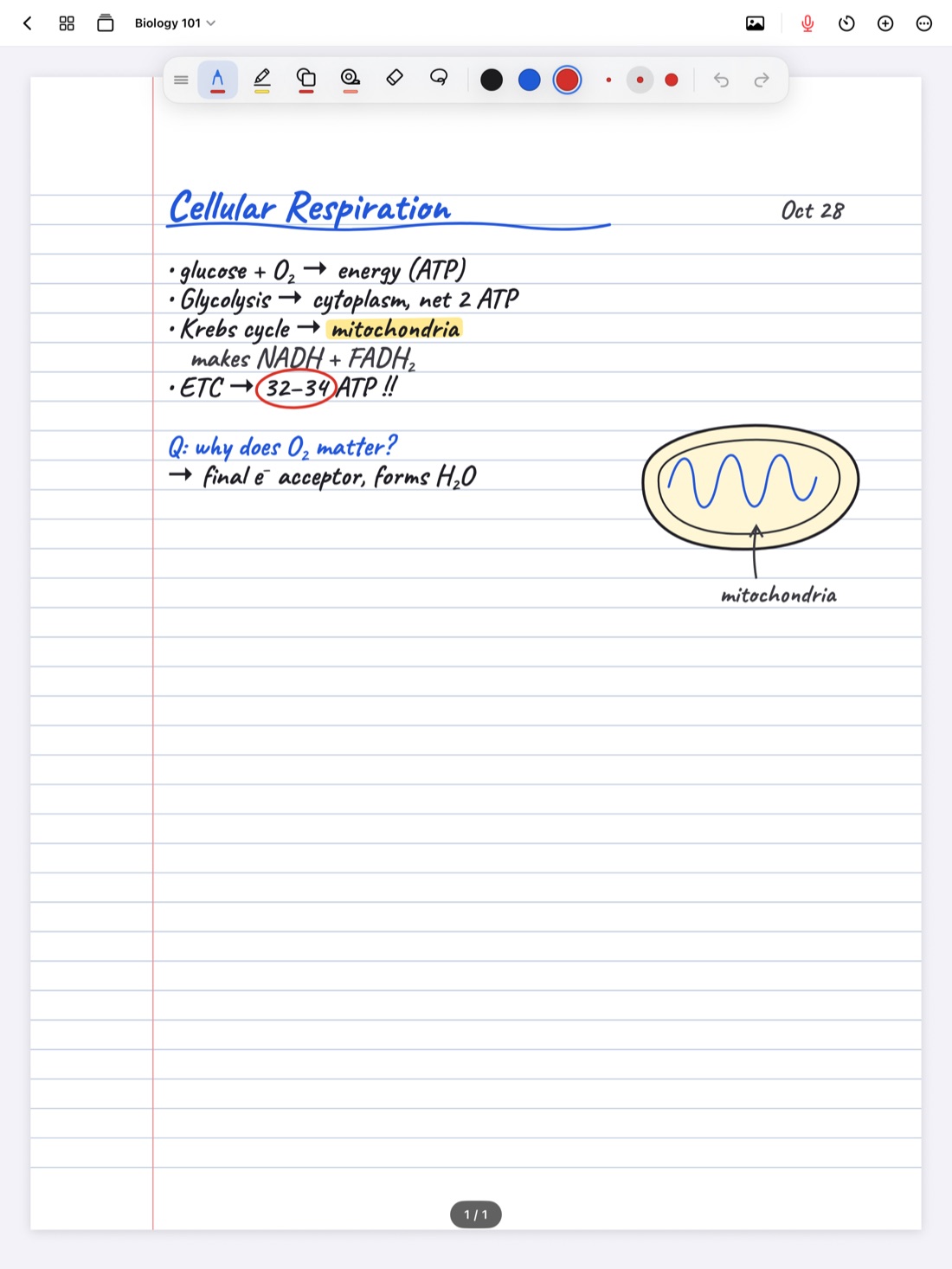
Open your notebook, hit record and write. Scribba does the rest.
How Scribba helps during class
Scribba listens to the lecture
Tap the mic and take notes like always. Every stroke you write is linked to the moment you wrote it.
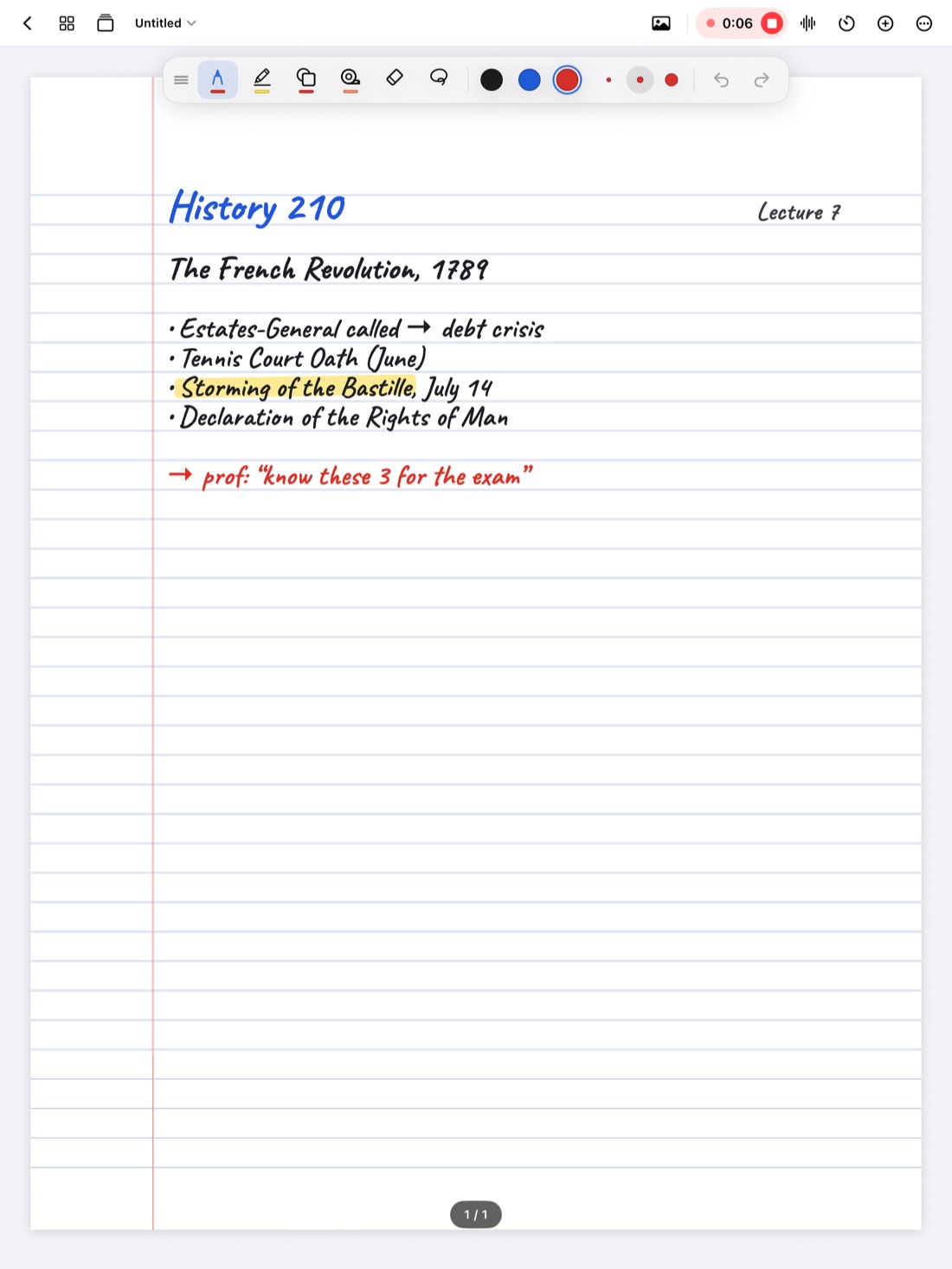
Tap any line to hear that moment
Missed what the professor said? Tap your notes and Scribba plays it back, with the ink you were writing lighting up as it goes.
Key points, written for you
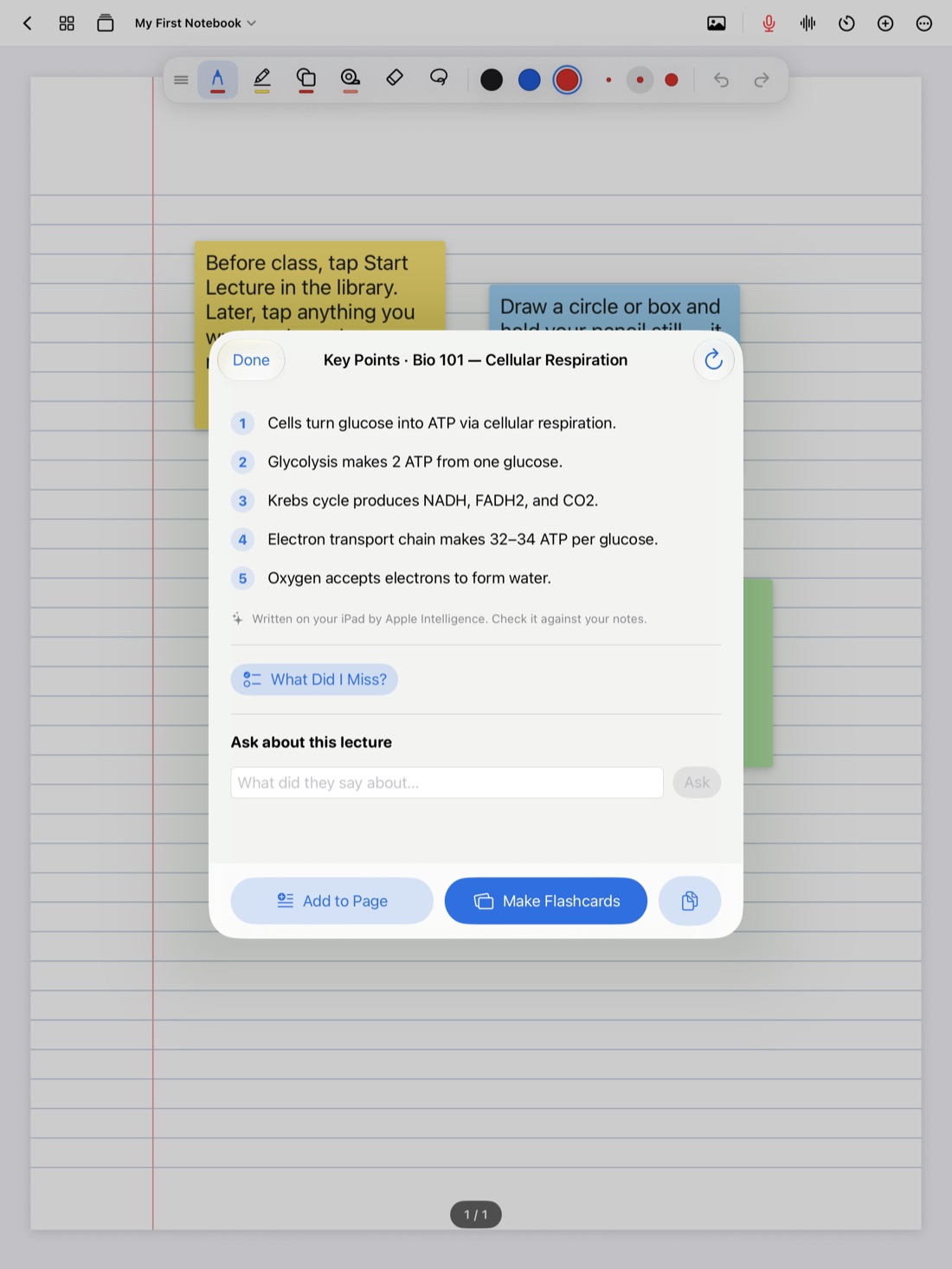
After class, Apple Intelligence pulls out what mattered, tells you what your notes missed and answers questions from the recording. All on your iPad.
Built for the way you study
Everything a semester needs, in one notebook.
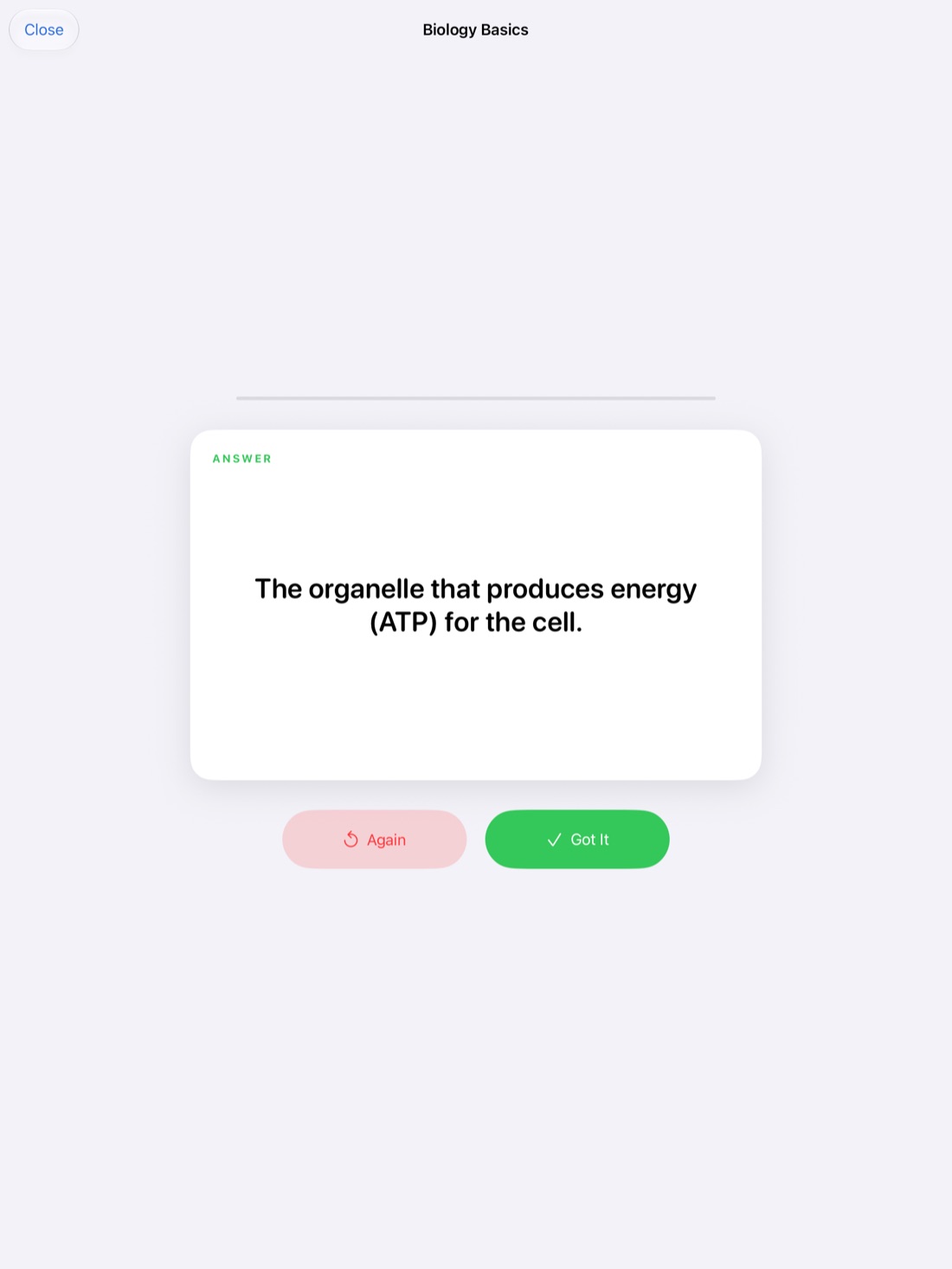
Flashcards from your notes.
Vocabulary and Cornell pages turn into decks, with spaced repetition and export to Quizlet or Anki.
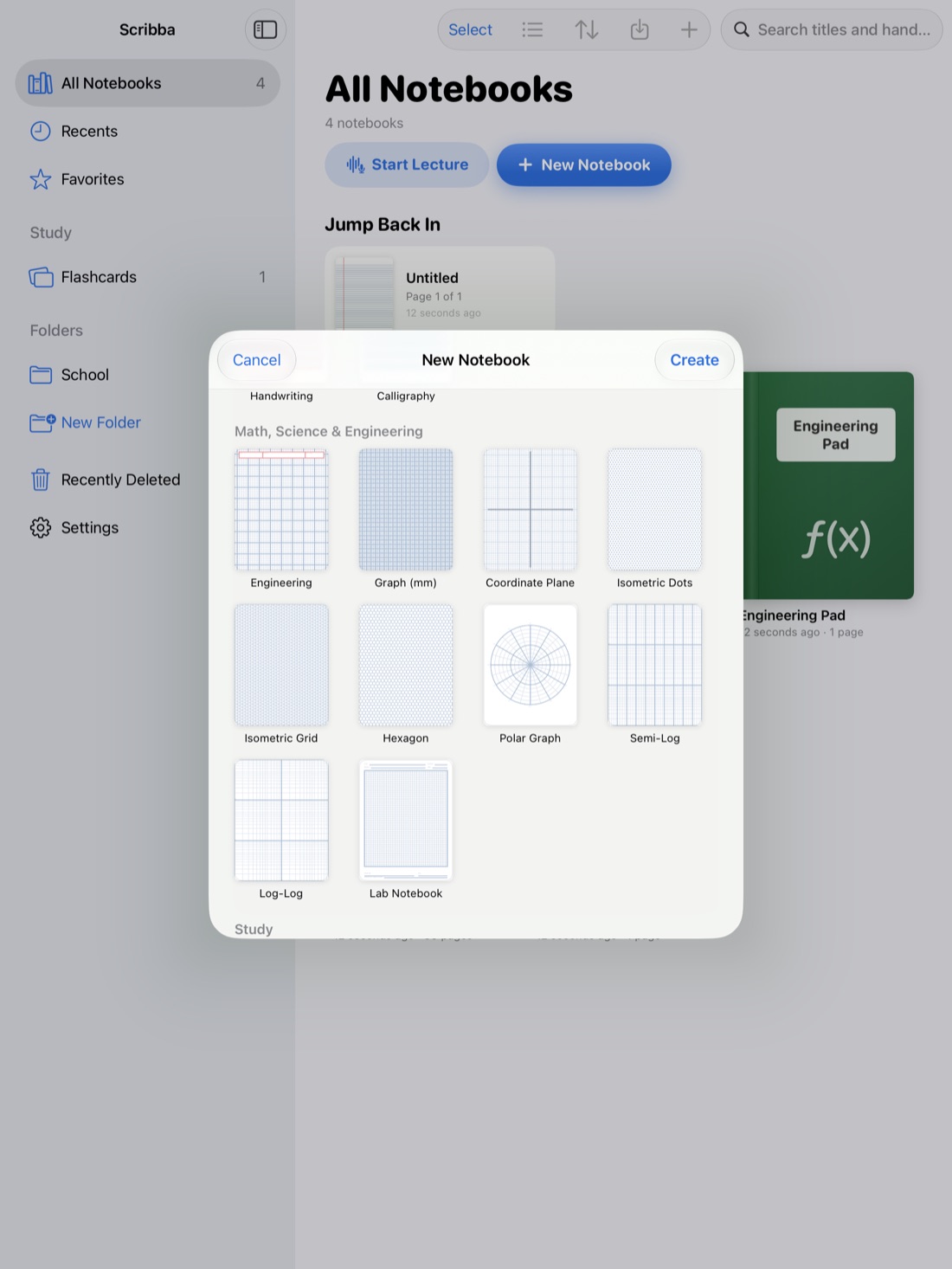
Every kind of paper.
39 templates, from college ruled and Cornell to graph, engineering, music staff and planners.
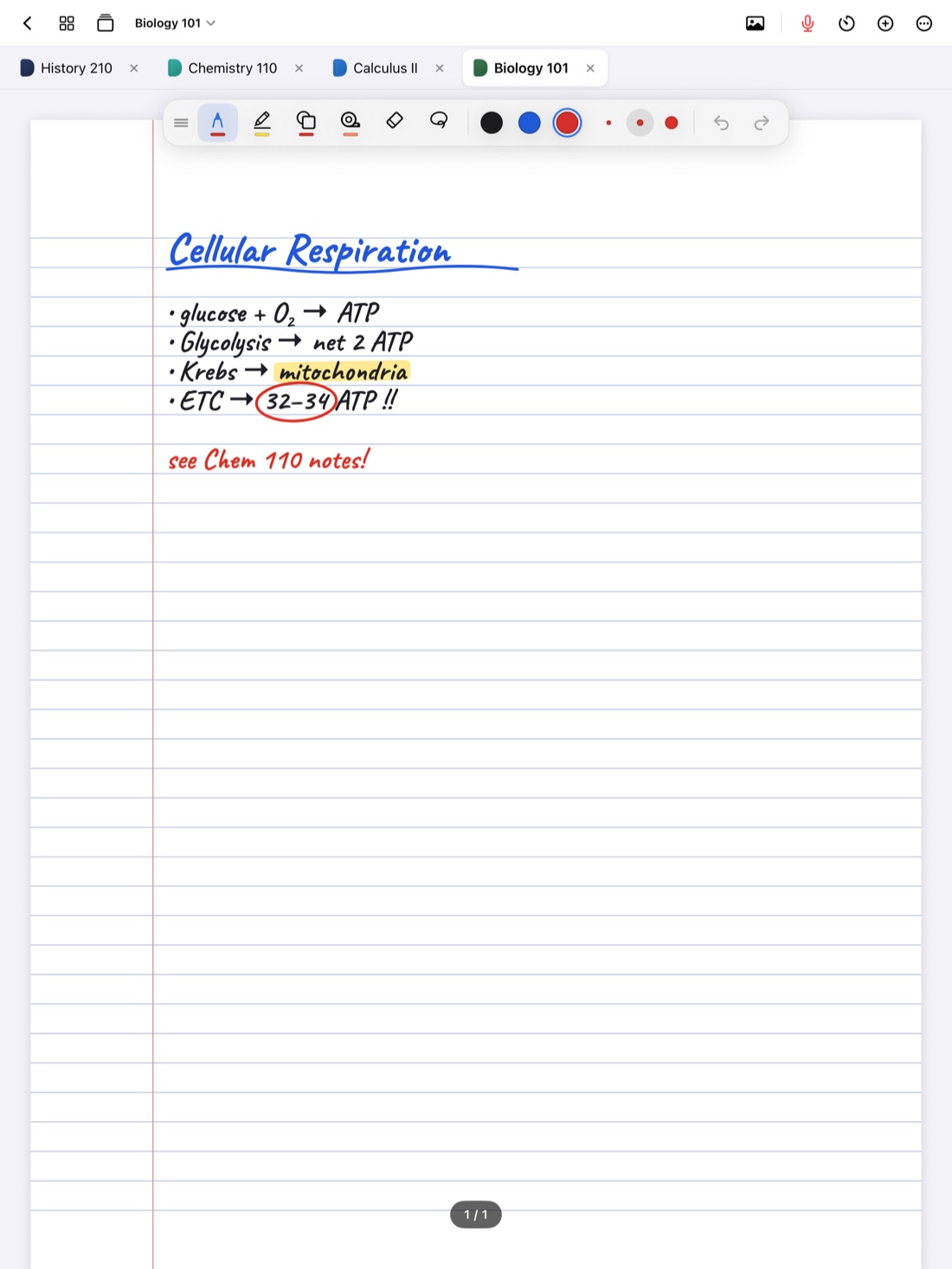
Every class, one tap away.
Keep up to six notebooks open as tabs, or press ⌘O to jump to any of them.
- Apple Pencil
- PDFs and slides
- Document scanning
- iCloud
- Files
- Quizlet and Anki
- Split View
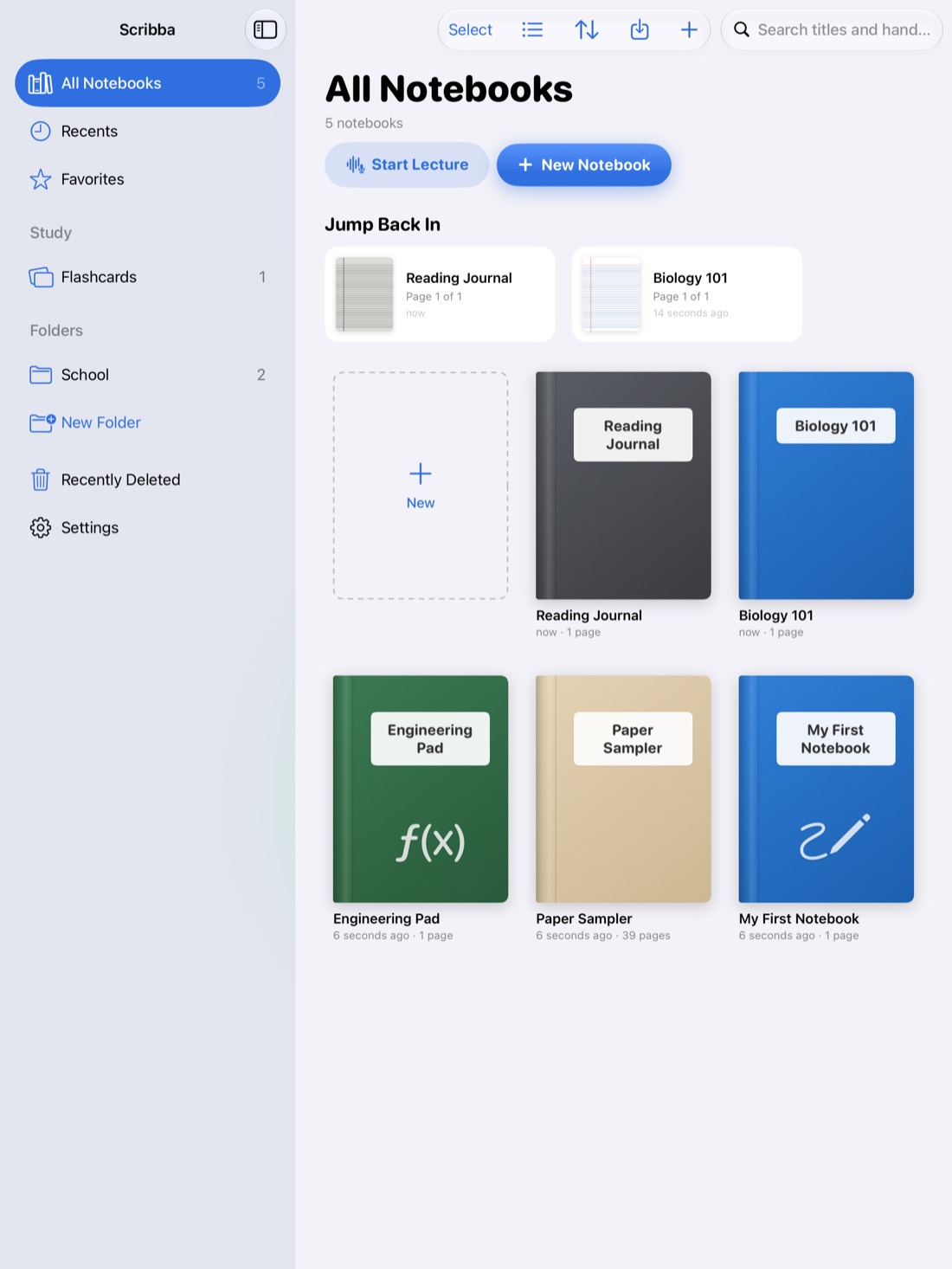
Private by design
Accounts
No sign-up and nothing to log in to. Open Scribba and start writing.
Ads or trackers
Scribba doesn't collect any data. There are no Scribba servers.
Yours
Notes stay on your iPad and, if you like, your private iCloud. Key points are made on the iPad itself.
Frequently asked questions
Is Scribba free?
Scribba is free for 14 days. After that, Scribba Annual is $7.99 a year, or Scribba Lifetime is a one-time $19.99 (US prices). Without a plan, your notes stay on your iPad to read and export.
Which iPads does it work on?
Any iPad with iPadOS 17 or later. Key points and study guides use Apple Intelligence, so they appear on iPads that support it.
Do I need an Apple Pencil?
No. Scribba is made for Apple Pencil, but you can write with your finger too: turn on Settings › Draw with Finger.
How does recording a lecture work?
Tap the mic, or Start Lecture in the library, and write as usual. Recording keeps going when the iPad locks. Afterward, tap anything you wrote to hear that moment, read the transcript, or search what was said.
Can I bring in my slides and handouts?
Yes. Import PDFs and slides and write right on them, or scan handouts with the camera. Photos, text boxes and sticky notes work too.
What happens to my notes?
They stay on your iPad. Turn on iCloud Sync to see them on your other iPads, and Auto Backup saves a copy to a folder you choose in Files. Read the privacy policy.
What languages does it support?
Scribba is in English and Spanish. It follows your iPad's language, or you can pick one in Settings › Language.
How do I get help?
Visit the support page or email owenroberttanner@gmail.com.